Light Image Resizer, a popular tool for resizing and converting images, has just released version 7.0.7, bringing exciting new features for Windows 11 users.
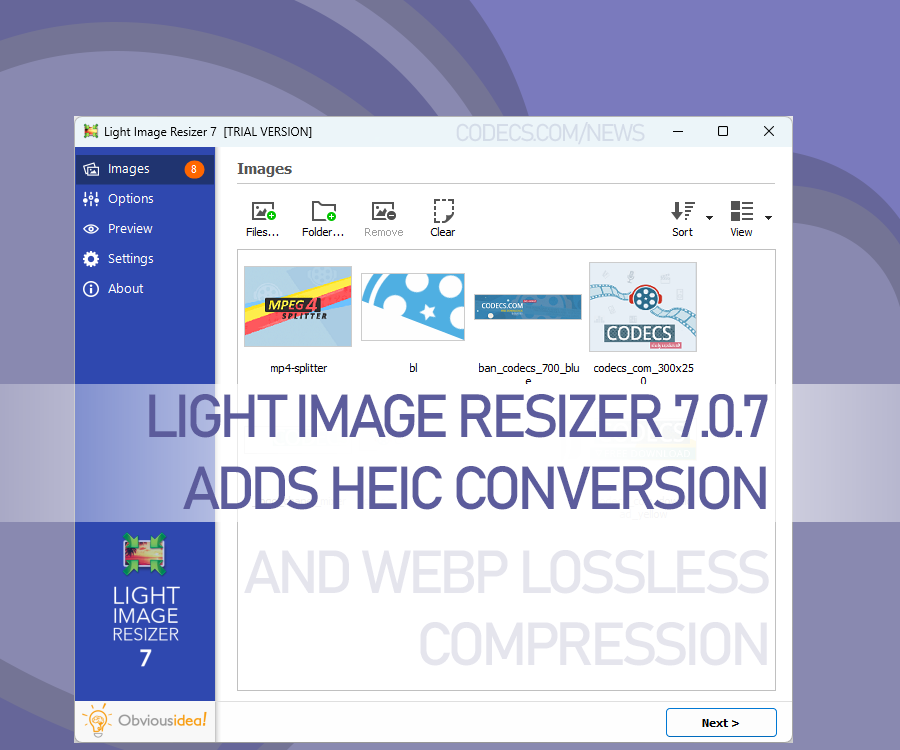
Key highlights include context menu integration, allowing quick image resizing directly from the file explorer.
A brand-new Light Image Editor is now included, offering options like adding text, highlights, blur, shapes, and more.
The update also introduces improved profiles, with simplified names like "1k," "2k," and "4k" for easy resizing, plus a file size target option. These profiles can sync via OneDrive, making them accessible across devices.
Other standout features include HEIC format support, lossless WebP compression, advanced watermark options, and OCR integration for searchable JPEGs and PDFs.
Also, users can now split long images for PDF creation and benefit from improved metadata handling, with new text append options and watermark samples included.
Light Image Resizer 7.0.7 is packed with tools to enhance image editing and management.


Latest news comments
AllThe Vega OS shift is the biggest Firestick story of 2026. Anyone buying now needs to know: 4K Max = sideloading works, plain 4K = ...
News: The New Fire TV Stick 4K Can't Run Kodi - Here's Which Fire Stick Still Can 2 commentsBrave just enabled it by default for stable users yesterday (1.97). Not specified is chromeOS will be passively gaining decode capability too, and ...
News: JPEG XL Is Back in Chrome: What It Means and How to Open JXL Files 1 commentI didn't know it was EU, AND france. That doesn't sound like a good idea. Related to coding or privacy.
News: Meet Qwant: The Private, EU-Built Alternative to Google 1 comment