Fly Photos has launched version 2.5.8, introducing highly-requested delete functionality that allows users to remove photos directly from the viewer.
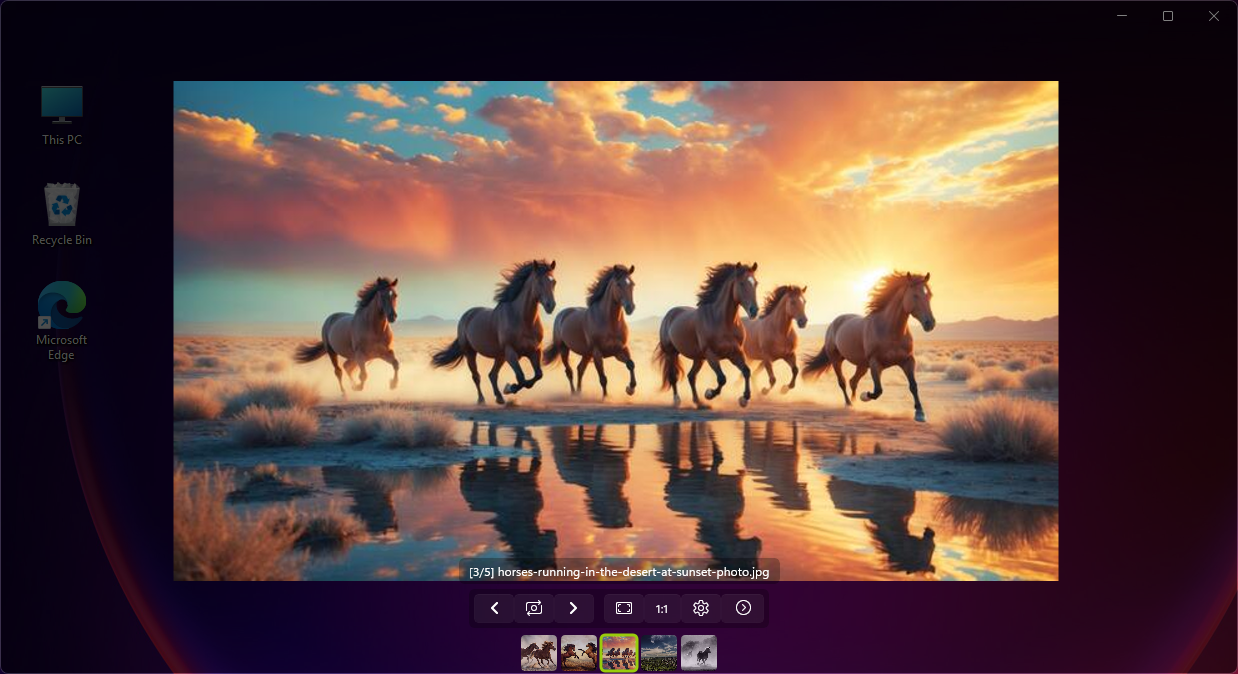
This release positions Fly Photos as potentially the fastest HEIF viewer on Windows, thanks to further optimization of HEIF/HEIC/HIF image format workflows through refined algorithms and reduced processing overhead.
Key updates include a new ICO file reader that automatically extracts the highest-resolution icons from multi-resolution sets, a streamlined settings interface with grouped expanders, and customizable bottom UI controls for a cleaner viewing experience.
The update also resolves the zoom issue when opening single files in folders.
Users should note that in-place upgrades may not work due to the simple installer format, and are advised to uninstall previous versions before installing v2.5.8.
Download Fly Photos v2.5.8 →
The developer strongly recommends keeping delete confirmation enabled and maintaining proper backups before using the new delete feature.


Latest news comments
AllThe Vega OS shift is the biggest Firestick story of 2026. Anyone buying now needs to know: 4K Max = sideloading works, plain 4K = ...
News: The New Fire TV Stick 4K Can't Run Kodi - Here's Which Fire Stick Still Can 2 commentsBrave just enabled it by default for stable users yesterday (1.97). Not specified is chromeOS will be passively gaining decode capability too, and ...
News: JPEG XL Is Back in Chrome: What It Means and How to Open JXL Files 1 commentI didn't know it was EU, AND france. That doesn't sound like a good idea. Related to coding or privacy.
News: Meet Qwant: The Private, EU-Built Alternative to Google 1 comment