Today marks the release of Topaz Video AI 5.1, bringing several major updates.
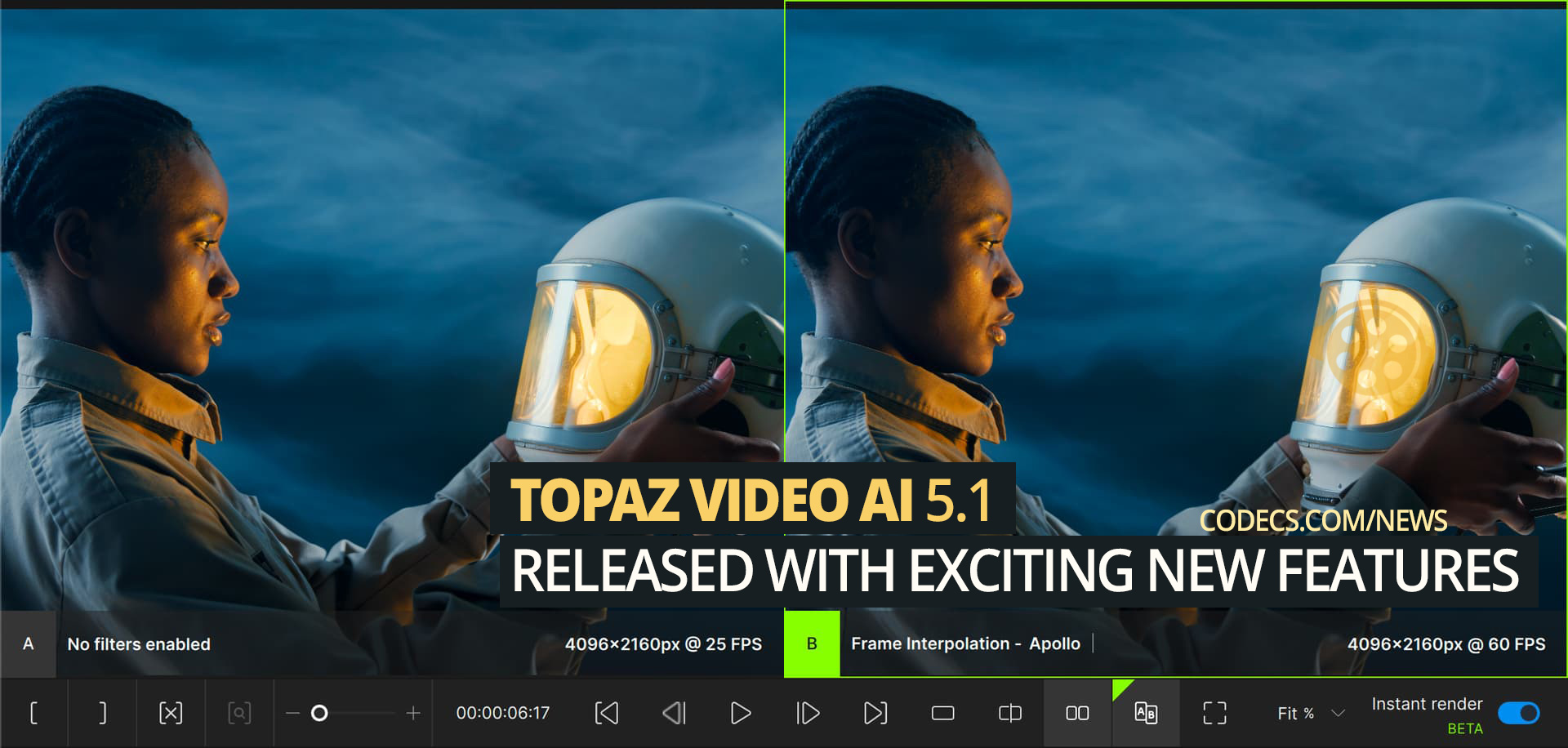
Instant Rendering (Experimental)
Video AI now renders previews instantly when you click ‘Play’. This makes the timeline more interactive and allows for quicker model comparisons.
Frame Interpolation for DaVinci Resolve OFX (macOS + Windows)
Access Apollo, Aion, and Chronos directly in DaVinci Resolve. Convert videos to slow motion with up to 16x interpolation and use Resolve’s retiming controls for smooth speed-ramping. Follow the guide to get started.
New Multi-GPU Options (Video AI Pro)
Video AI now features two multi-GPU modes. The updated “Single video” mode supports NVIDIA cards with TensorRT models, enhancing utilization for systems with 2+ NVIDIA cards. The “Multiple videos” mode is optimized for large export queues on multi-GPU systems. More details on this feature will be available in June.
New Welcome Screen
Quickly reopen projects and resume renders with the new Welcome Page. It also allows you to select favorites for easy access.
Preferences UI Refresh
The new preferences sidebar offers expanded categories and new tooltips, making navigation easier.
Colorspace Settings Added to Video Input Options
Set custom colorspace, color primaries, color TRC, and color range for video inputs with metadata issues.


Latest news comments
AllThe Vega OS shift is the biggest Firestick story of 2026. Anyone buying now needs to know: 4K Max = sideloading works, plain 4K = ...
News: The New Fire TV Stick 4K Can't Run Kodi - Here's Which Fire Stick Still Can 2 commentsBrave just enabled it by default for stable users yesterday (1.97). Not specified is chromeOS will be passively gaining decode capability too, and ...
News: JPEG XL Is Back in Chrome: What It Means and How to Open JXL Files 1 commentI didn't know it was EU, AND france. That doesn't sound like a good idea. Related to coding or privacy.
News: Meet Qwant: The Private, EU-Built Alternative to Google 1 comment