Five codecs decide how almost every video and song reaches your screen - here is which one to use, when, and how to play them all on Windows.
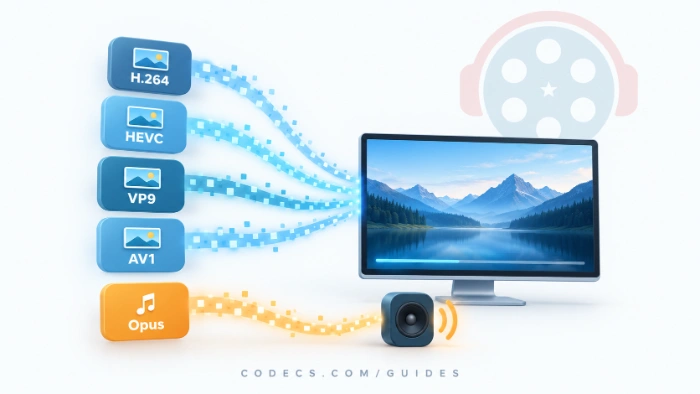
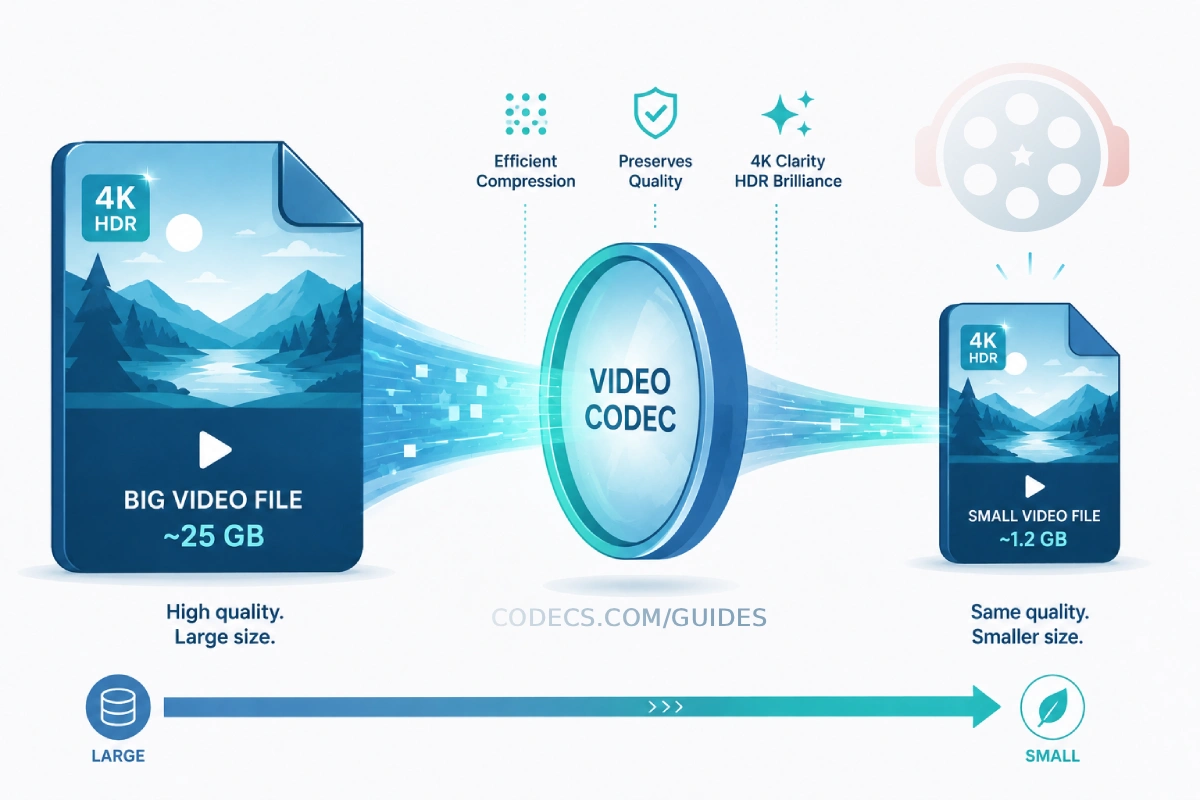
A codec is the method that shrinks video or audio so it can be stored and streamed, then rebuilds it when you press play.
Hundreds exist, but five carry nearly everything you watch and hear online today: H.264, HEVC, VP9, AV1 and Opus.
If you only want your files to play, you do not need to choose between them at all - skip to the short version below.
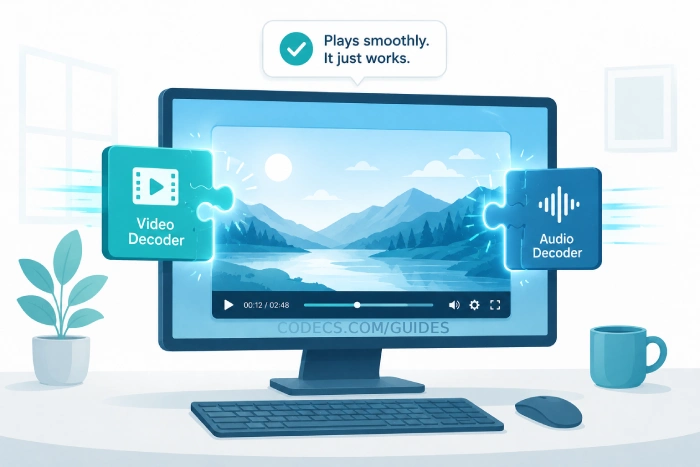
To play all five on Windows, install one decoder set: the K-Lite Codec Pack, or LAV Filters on its own.
To make your own files, use H.264 when it has to play everywhere, HEVC or AV1 for smaller 4K files, and Opus for audio.
The Five Codecs at a Glance
| Codec | Type | Best at | Licensing |
|---|---|---|---|
| H.264 / AVC | Video | Playing everywhere | Royalties apply |
| H.265 / HEVC | Video | 4K and HDR at smaller sizes | Royalties apply, several patent pools |
| VP9 | Video | YouTube and browsers | Royalty-free |
| AV1 | Video | The smallest files | Royalty-free |
| Opus | Audio | Voice and music, even at low bitrates | Royalty-free |
H.264 / AVC: The One That Plays Everywhere
H.264, also called AVC, became a standard in 2003 and is still the safest video format there is. Live streams, video calls and countless phone recordings use it.
Its strength is reach rather than efficiency: practically every phone, TV, browser and PC from the last fifteen years decodes it in hardware, so it plays smoothly and saves battery.
Use it when a file has to just work on devices you do not control - uploads, sharing, older TVs. The trade-off is size, which starts to hurt at 4K.
H.265 / HEVC: Half the Size, More Friction
HEVC was built for 4K and HDR, and it gives roughly the same picture as H.264 at about half the file size. That is why recent iPhones, many cameras and streaming services use it.
The catch is licensing. HEVC's patents are split across several pools, which is why Windows does not always include the decoder - and why HEVC files on a PC can play sound with no picture.
The fix is a one-time install of Microsoft's free HEVC Video Extensions, or a player such as VLC that carries its own decoder. Use it when you want 4K at a sensible size and your devices are reasonably modern.
VP9: Google's Royalty-Free Workhorse
VP9 is Google's answer to HEVC: similar compression, no royalties. YouTube uses it for much of its higher-resolution video, and Chrome, Edge and Firefox all play it.
You rarely pick VP9 yourself - the web hands it to you. Use it when you publish video for browsers and want no licensing questions.
AV1: The Efficiency King, Now Mainstream
AV1 comes from the Alliance for Open Media - Google, Netflix, Amazon, Microsoft, Mozilla and others - and was designed from the start to be royalty-free.
It squeezes video harder than any of the others: published tests put it at roughly 30% smaller than HEVC and about half the size of H.264 for the same quality. Netflix said in December 2025 that AV1 powers about 30% of its streaming, and our AV1 streaming report tracks where else it has landed.
Most new TVs, recent graphics cards and many recent phones decode AV1 in hardware. Older devices fall back to software decoding, which works but runs warmer and uses more battery.
Use it when storage or bandwidth matters and you know your devices can play it. On Windows, the free AV1 Codec adds playback to the built-in apps.
Opus: The Audio Codec Doing the Quiet Heavy Lifting
Opus rarely gets the credit, but you probably heard it today. Discord voice and browser video calls built on WebRTC both run on it.
Its trick is range: Opus switches between speech and music on the fly with very little delay, and it still sounds good at low bitrates, which keeps mobile data use down. Like VP9 and AV1, it is open and royalty-free.
Use it when you want the best-sounding small audio files, or audio that has to work in real time.
So Which Codec Should You Pick?
If you are playing media, you do not have to pick - install one decoder set and all five play.
If you are making files, match the codec to the job:
- Plays on anything: H.264, made with x264.
- 4K at smaller sizes: HEVC, made with x265, if your devices are modern.
- Video for the web, no royalties: VP9.
- Smallest files, ready for the future: AV1, made with SVT-AV1.
- Audio that matters: Opus.
To make Opus files yourself, the X Opus Encoder turns any track into a compact Opus file. The X Audio Converter handles your other formats.
One rule beats all the others: the best codec is the one your audience can actually play. The most efficient file in the world is useless if it opens to a black screen.
Video opens with sound but no picture? You are almost always missing a decoder, not a player. The K-Lite Codec Pack installs the lot in a few minutes.
Quick questions
Do I need to install codecs to watch Netflix or YouTube?
No. Streaming services decode inside the browser or app. Codec installs only matter for files you download or keep on your PC.
Is AV1 better than HEVC?
On compression, yes - roughly 30% smaller at the same quality. HEVC is faster to encode and works on more older devices, so it is still a sensible choice.
Why does my video have sound but no picture?
That is the classic missing-video-decoder symptom, usually with HEVC or AV1. Installing LAV Filters or a codec pack fixes it.
Are royalty-free codecs lower quality?
No. VP9, AV1 and Opus match or beat their patented rivals - 'royalty-free' is about licence fees, not quality.
Which codec does my phone record in?
Most phones record H.264 or HEVC, and many recent iPhones and Android phones default to HEVC to save space. Our guide to the most popular video codecs explains where each one is used.
The bottom line
For playback, one decoder set covers all five codecs; for your own files, H.264 for reach, HEVC or AV1 for size, Opus for sound. Which one do you use most? Tell us in the comments.


Latest comments
AllI used [link] on tivimate with the Usa m3u Playlist. I cannot get the guide to work.
Team replied Guide: Free EPG URLs for IPTV: TV Guide Links That Still Work 2 comments[link] Epg is not working on this one.
Team replied News: Free USA IPTV Playlist: The American TV That Is Really Free 1 commentSi mund te shikoj te gjitha kanalet e DigitAlb dhe Tring me url pa pagese ne Iptv Player?
Team replied Guide: Free Popular IPTV Playlist: Where to Get Fresh, Legal M3U Links in 2026 20 comments