Flyoobe 1.31, the successor to the popular Flyby11 tool, is now available for download with enhanced features for upgrading Windows 10 to Windows 11 while bypassing hardware requirements.
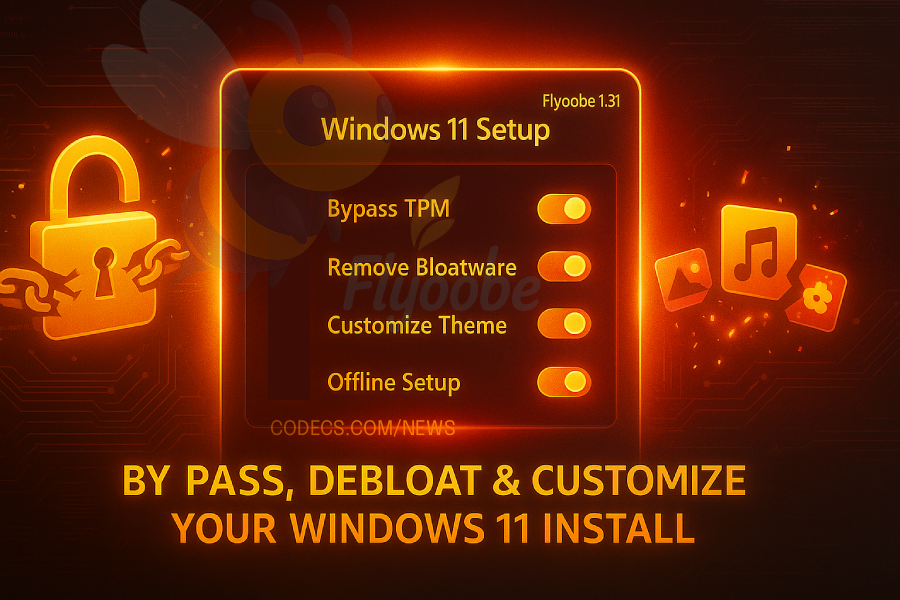
This free toolkit combines upgrade capabilities with comprehensive OOBE (Out-of-Box Experience) customization, debloating tools, and system tweaks in a single lightweight package.
The latest version introduces significant improvements to the OOBE installer, allowing users to manually search and install app packages directly from the Winget manifest through the new "Install custom Winget package" feature.
The Apps OOBE page debloater has been upgraded with faster app removal capabilities and improved batch operations for efficient Windows customization.
Flyoobe 1.31 includes a refined navigation system with better menu expansion and collapse functionality, plus a new log and activity manager accessible from the top-right menu for monitoring all operations.
The tool fully integrates all Flyby11 functionality while offering greater stability during the upgrade process, making it the recommended choice for users looking to bypass Windows 11's TPM 2.0 and Secure Boot requirements.
Download Flyoobe 1.31 now and upgrade your Windows 10 PC to Windows 11 with complete setup control and bloatware removal capabilities.


Latest news comments
AllThe Vega OS shift is the biggest Firestick story of 2026. Anyone buying now needs to know: 4K Max = sideloading works, plain 4K = ...
News: The New Fire TV Stick 4K Can't Run Kodi - Here's Which Fire Stick Still Can 2 commentsBrave just enabled it by default for stable users yesterday (1.97). Not specified is chromeOS will be passively gaining decode capability too, and ...
News: JPEG XL Is Back in Chrome: What It Means and How to Open JXL Files 1 commentI didn't know it was EU, AND france. That doesn't sound like a good idea. Related to coding or privacy.
News: Meet Qwant: The Private, EU-Built Alternative to Google 1 comment