paint.net 5.1.12 x64
Recommended for your devicex64Archive
Direct download links - free, safe and fast mirrors.
No reviews yet - rate it in one click and be the first.
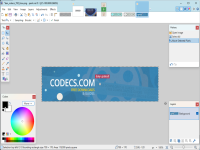
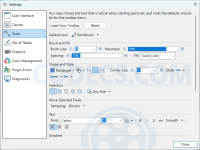
Paint.NET is Rick Brewster's free image editor for Windows, filling the gap between Paint and Photoshop with layers, effects and community plugins, lighter than GIMP, with a paid Store edition that funds its development.

Raw Image Extension is the free Microsoft add-on that makes camera RAW files show real thumbnails in File Explorer instead of blank grey rectangles.
In common: image, microsoft

DirectX is the Windows graphics, sound and input layer for games and video; the June 2010 runtime adds the DLLs older games still need.
In common: layers, adds

Audacity is the free, open source audio editor most people start with, covering recording, multitrack editing, effects and export on Windows, macOS and Linux.
In common: effects, editor

UltraISO Premium is EZB Systems' paid ISO image editor and converter for Windows, last updated in 2021 and still sold with a limited free trial.
In common: editor, image

WebP Codec provides WebP support for the latest versions of Windows; it implements the interface defined by the Windows Imaging Component.
Popular in Graphics

Adobe DNG Converter is the free Adobe utility that converts camera raw files into the open DNG format so older editing software can read them.
Popular in Graphics