Seventeen major versions in eighteen years, and only the last four still get security patches.
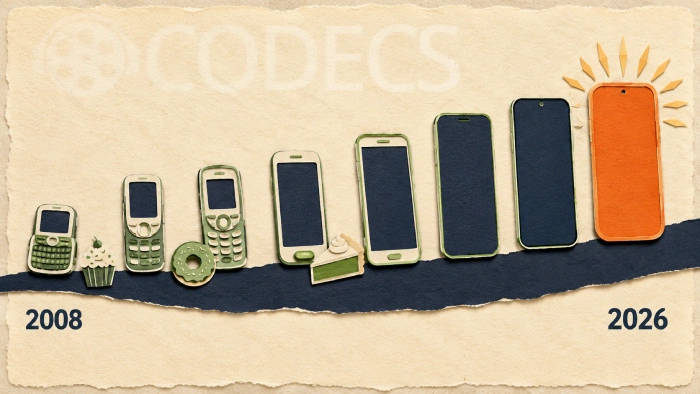
Android launched commercially in September 2008 on a single phone with a slide-out keyboard.
It now runs on more devices than any other operating system on earth.
This page lists every release with its date and what it brought, and then answers the question most people actually arrive with: which version is safe to buy a phone on today.
If you are shopping rather than reading for interest, skip to the support table further down. The short answer is that Android 14 is the oldest version Google still issues security patches for, so anything below it is a poor buy at any price.
The Early Years, 2008 to 2013
These versions are of historical interest only. No device running any of them can run current apps, receive security patches, or connect safely to a modern network.
| Version | Released | What it introduced |
|---|---|---|
| 1.0 | Sep 2008 | The Android Market, Gmail, Google Maps with Street View, a browser, and YouTube playback |
| 1.1 | Feb 2009 | A minor patch for the HTC Dream. Business details in Maps, saving message attachments |
| 1.5 Cupcake | Apr 2009 | The first dessert name. Third-party keyboards, home screen widgets, video recording, auto-rotation |
| 1.6 Donut | Sep 2009 | Voice search, speech synthesis, CDMA network support, better camera access |
| 2.0 / 2.1 Eclair | Oct 2009 | Multiple account sync, Exchange support, Bluetooth 2.1, live wallpapers, camera flash and digital zoom |
| 2.2 Froyo | May 2010 | USB tethering, Wi-Fi hotspot, Adobe Flash, and apps installable to SD card |
| 2.3 Gingerbread | Dec 2010 | NFC, front-facing cameras, SIP calling, better power management, and WebM video |
| 3.0 to 3.2 Honeycomb | Feb 2011 | Tablet-only. The holographic interface, the System Bar, hardware acceleration, resizable widgets |
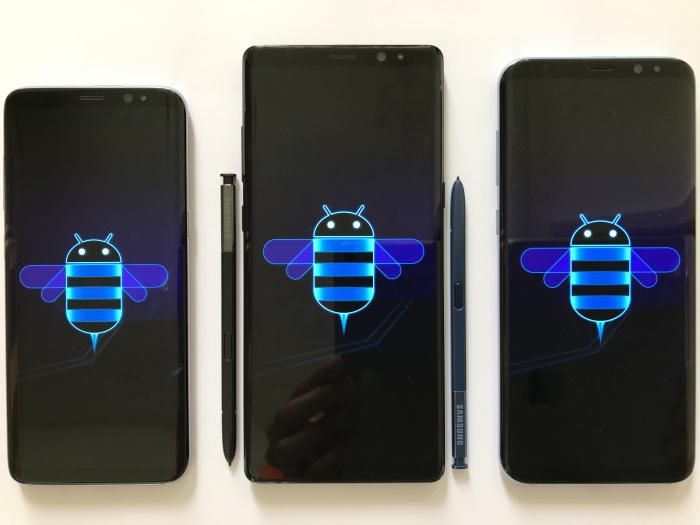
Honeycomb is the odd one out. It was tablets only, it was never widely adopted, and it was absorbed into the next release within months.
The Shape of Modern Android, 2011 to 2021
This decade is where Android became recognisable. Everything you use today, from the notification shade to runtime permissions, was introduced somewhere in this table.
| Version | Released | What it introduced |
|---|---|---|
| 4.0 Ice Cream Sandwich | Oct 2011 | Phones and tablets unified. Face unlock, Android Beam, screenshots, and the Roboto typeface |
| 4.1 to 4.3 Jelly Bean | Jul 2012 | Project Butter and a 60fps interface, expandable notifications, Google Now, Bluetooth Low Energy |
| 4.4 KitKat | Oct 2013 | Ran on 512MB devices. Screen recording, wireless printing, immersive mode, SMS as an open API |
| 5.0 / 5.1 Lollipop | Nov 2014 | Material Design, the ART runtime, 64-bit support, lock screen notifications, dual SIM |
| 6.0 Marshmallow | Oct 2015 | Runtime permissions, the fingerprint API, Doze battery saving, adoptable storage, USB-C |
| 7.0 / 7.1 Nougat | Aug 2016 | Split-screen multitasking, bundled notifications, seamless A/B updates, file-based encryption |
| 8.0 / 8.1 Oreo | Aug 2017 | Project Treble, picture-in-picture, notification channels, autofill, Play Protect, Android Go |
| 9 Pie | Aug 2018 | Gesture navigation, adaptive battery and brightness, Digital Wellbeing, notch support |
| 10 | Sep 2019 | The dessert names stopped. System dark theme, scoped storage, foldable support, Project Mainline |
| 11 | Sep 2020 | Chat bubbles, a built-in screen recorder, one-time permissions, permission auto-reset |
| 12 / 12L | Oct 2021 | Material You theming, the privacy dashboard, camera and mic indicators, large-screen work in 12L |
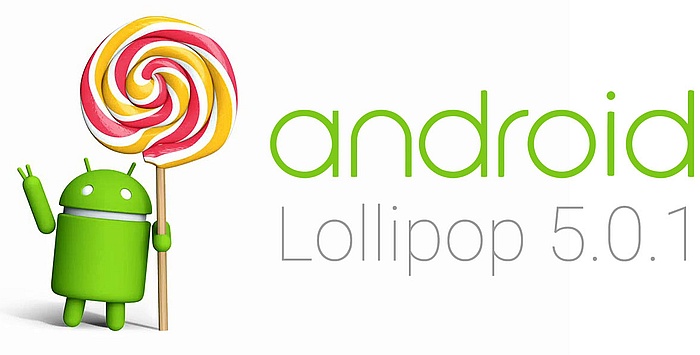
Lollipop is the dividing line. Screenshots from before it look like a different operating system, and screenshots from after it look broadly like the phone in your pocket.
The Versions That Still Matter
From here the detail is worth reading, because these are the versions you will actually encounter when buying a device.
Android 13, August 2022
Per-app notification permissions, a much-improved runtime with a new garbage collector, tablet taskbar work, and Bluetooth LE Audio with the LC3 codec.
It was a genuinely good release and it is now the problem version. Google ended security patches for Android 13 in March 2026, so a device sitting on it stops receiving fixes for newly discovered vulnerabilities.
Android 14, October 2023
Font scaling to 200 percent, lock screen customisation, Ultra HDR photos, phone-as-webcam, and a block on installing apps that target very old APIs, which shut down a common malware trick.
This is currently the oldest version Google still issues security source code for, which makes it the practical floor for any purchase rather than a recommendation in its own right.
Android 15, September 2024
Lock screen widgets returned for tablets, Advanced Factory Reset Protection made stolen phones much harder to resell, and private space arrived for hiding sensitive apps behind a second lock.
A sensible target for a used purchase. Devices that shipped with it are now cheap and most still have update runway left.
Android 16, June 2025
Live Updates for progress notifications, an embedded photo picker, health records support, Privacy Sandbox, and the first version of desktop mode for external displays.
Google also moved to releasing the major version in June rather than the autumn, which is why 16 and 17 are only twelve months apart despite feeling closer.
Android 17 Cinnamon Bun, June 2026
The current release, out on 16 June 2026, and the dessert codenames are back in public view after years of being internal only.
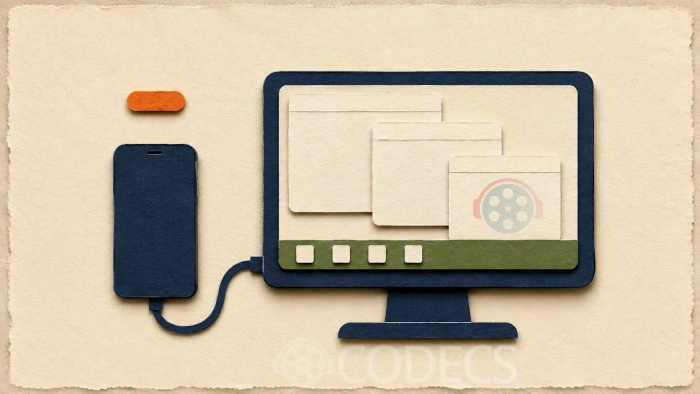
Desktop mode is the headline. Connect a phone to an external display and you now get a real taskbar, a status bar, proper window snapping and much better handling of 4K panels.
Notification Rules are the quieter win. Rather than muting an entire app, you can highlight messages from one contact while silencing every group chat in the same app.
Lock screen widgets also came back properly, on a panel that swipes in from the right edge, and Live Updates now follow a delivery or a ride through the status bar, lock screen and always-on display.
Which Versions Still Get Security Patches
This is the table to buy from. Everything below Android 14 is unpatched, whatever the seller tells you.
| Version | Status in 2026 | Buy on it? |
|---|---|---|
| 17 | Current release | Yes. The longest runway available |
| 16 | Fully supported | Yes. The sweet spot for a new mid-range phone |
| 15 | Fully supported | Yes. The best value on the used market |
| 14 | Oldest still receiving patches | Only if heavily discounted, and check the maker's end date |
| 13 | Patches ended March 2026 | No |
| 12 and below | Unsupported | No |
Google patching a version does not mean your phone gets the patch. The manufacturer has to ship it, and their schedule is the one that governs. Pixel 8 and Galaxy S24 onwards carry seven years of updates, while plenty of budget brands promise two.
What to Check Before You Buy
Version number alone is a poor guide, because a phone launched three years ago on a newer version may have less support left than a newer phone on an older one.
- Find the current version on the device, under Settings, then About Phone.
- Check the security patch date on the same screen. If it is more than six months old, updates have effectively stopped.
- Look up that exact model on the manufacturer's own support page for its promised end date.
- Note the launch year, not just the version. Support windows count from release, not from the version it happens to be running.
- Confirm the apps you rely on still support that version before you commit.
Our free APK Checker reads the minimum Android version straight out of an APK, so you can confirm an app will run before buying the phone. Play Store Check tells you whether it needs Google services at all.
Getting the Most From an Older Device
If you are keeping a phone rather than replacing it, the apps matter more than the version number.
VLC for Android carries its own decoders, so it plays formats the system cannot handle on its own, and our getting started with VLC for Android guide covers the setup.
MX Player Custom Codec restores AC3, EAC3 and DTS audio on devices whose manufacturer left those licences out.
For editing on the phone itself, CapCut for Android handles video and Hypic handles photos.
Both run happily on older hardware, and Hypic includes a free way to blur or remove a background without a subscription.
Everything else worth having sits in the Android APK section.
Quick questions
What is the newest version of Android?
Android 17, codenamed Cinnamon Bun, released on 16 June 2026. Google now ships the major version in June rather than the autumn.
Is Android 13 still safe to use?
Google stopped issuing security patches for Android 13 in March 2026. It still works, but newly discovered vulnerabilities will not be fixed, so it is a poor choice to buy onto now.
Why did Android stop using dessert names?
Google dropped them publicly with Android 10 in 2019, saying they were confusing for a global audience. The names carried on internally, and with Cinnamon Bun they are back in public use.
How do I find out which version my phone runs?
Open Settings, then About Phone, and look for Android Version. The security patch level is on the same screen and is the more useful number of the two.
Will my phone get Android 17?
That depends entirely on the manufacturer rather than on Google. Pixel and recent Samsung flagships get it first, most other brands follow between August and October, and budget devices often never receive it.
My APK will not install on an older phone. Why?
Usually the app requires a newer Android version than the device runs. Our guide on APKs that refuse to open at all covers the other causes, and installing an APK safely covers the permission side.
Buy on Android 15 or newer, check the patch date rather than the version number, and look up the maker's end-of-support page before you pay.
Try the free APK analyzer on an app you depend on before switching device, or tell us what you are running and how long your phone has been getting updates.


Latest comments
AllInteresting development with the Fire TV Stick 4K — losing Kodi sideloading is a big deal for a lot of users. For those ...
News: The New Fire TV Stick 4K Can't Run Kodi - Here's Which Fire Stick Still Can 3 commentsThanks genius, it worked for me. v2.4.149.0 on windows 10
Guide: How to Download HEVC Video Extension for Free 181 commentsXMediaRecode gives only the option to Copy (No convert) in Audio Mode drop down. I am trying to convert/recode the EAc3 ...
Team replied Guide: How to Convert EAC3 Audio to AC3 or AAC With XMedia Recode 1 comment